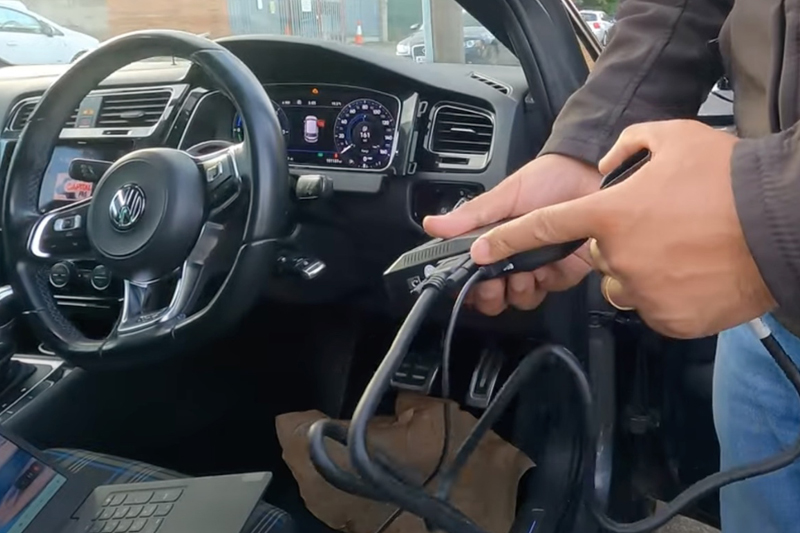
Autowave is helping workshop technicians and locksmiths use an ACDP solderless programmer to produce a spare remote key for a 2018 Volkswagen Golf Mk7 GTE with a virtual cockpit. This is a digital screen that replaces traditional analogue dials and gauges behind the steering wheel.
The following will be needed for this spare key:
- Original working key
- New aftermarket key (AUTRK0079)
- ACDP device with MQB module
- Stable laptop connection via USB
- Access to the vehicle’s OBD-II port
- Tools to remove the instrument cluster (Torx drivers, trim tools)
Step 1: Confirm original key functionality
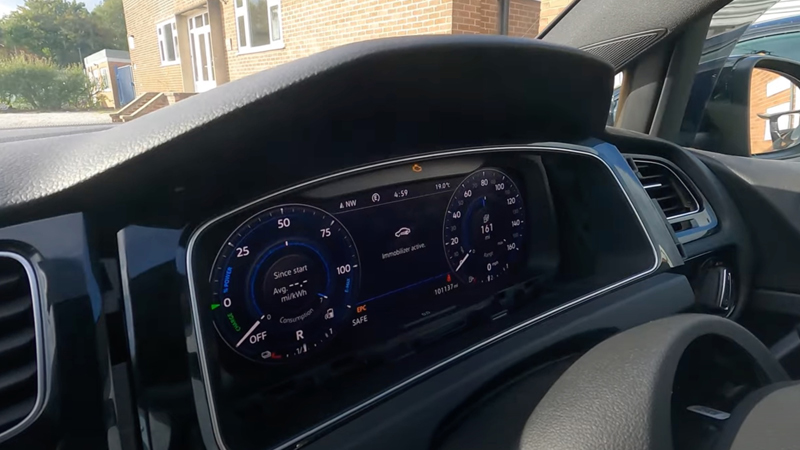
Test the original, working key by locking and unlocking the vehicle then starting it. Test over, place the new AUTRK0079 key in the ignition and attempt to start it – it shouldn’t work! ‘Immobiliser active’ should be displayed, confirming it is not yet programmed.
Step 2: Connect ACDP device
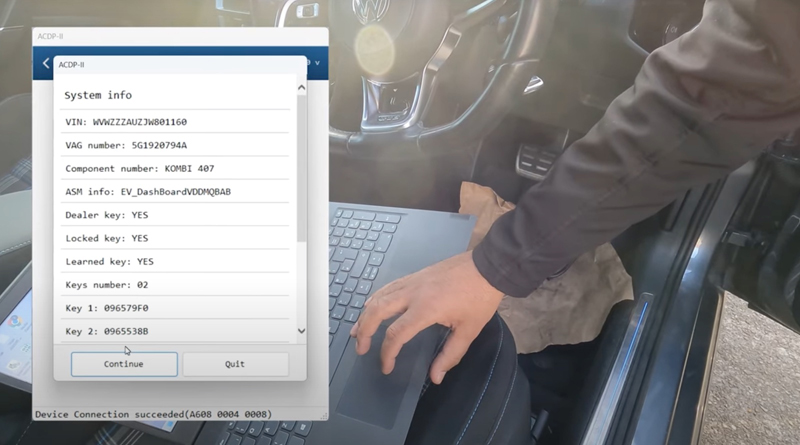
Connect the ACDP device to a laptop via USB and plug into the OBD-II port. Turn the ignition on with the working key. On the ACDP interface, navigate: VW → MQB IMMO → MQB 48 IMMO → OBD Identify. This reads the instrument cluster’s part number, VIN and key data. Confirm that the device can communicate with the cluster.
Step 3: Attempt OBD read
Select ‘Read IMMO Data’ via OBD. If unsupported, the procedure requires removal of the instrument cluster for direct data reading.
Step 4: Remove instrument cluster
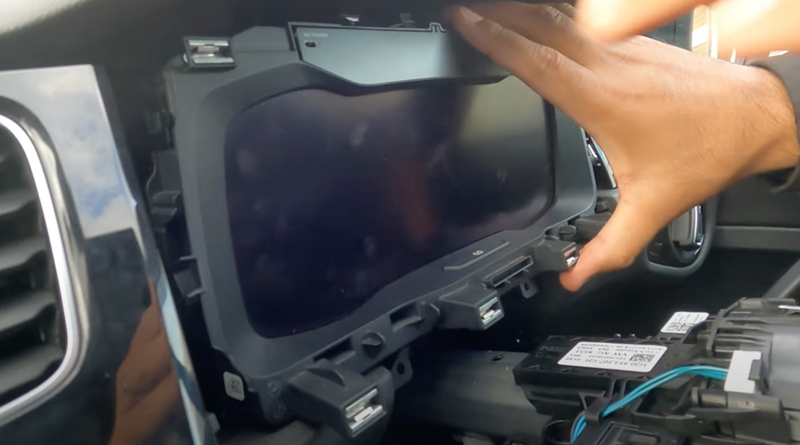
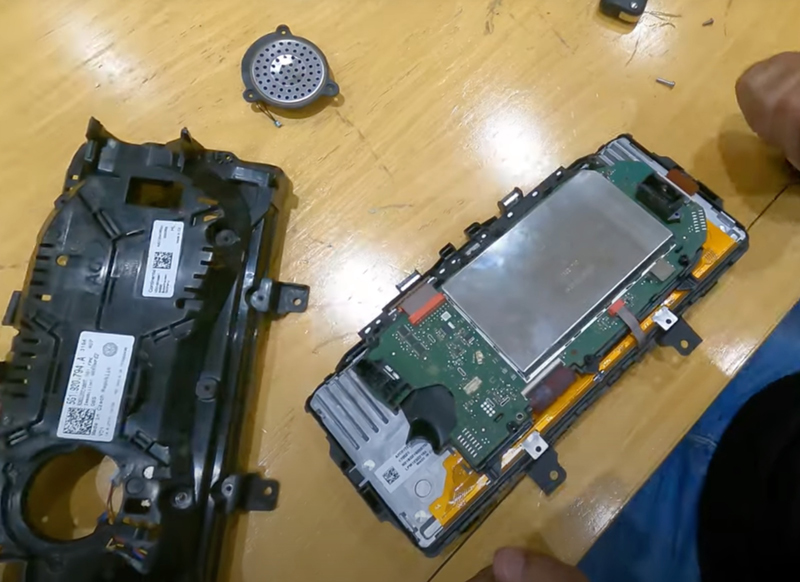
Remove the trim around the radio, unclip surrounding panels and undo the cowling. Then remove the Torx screws securing the cluster and carefully detach the cluster – noting connectors for the top plug and fibre optic connections. Take the cluster inside and remove the back cover, speaker and fan connector to expose the circuit board.
Step 5: Access the MCU
Strip the casing from the instrument cluster, then disconnect the ribbon and red plug connectors to lift the circuit board. Carefully remove the plastic trim and metal casing with a flat blade to expose the microprocessor. Identify the microprocessor type (in this case, D70F3526) to determine the correct ACDP connection procedure.
Step 6: Read dashboard data
Connect the MQB adapter to the ACDP device following the on-screen diagram. Use the path: MQB IMMO→MQB 81 ICP→Read Dashboard. The device will decrypt the chip and save all instrument cluster data automatically.
Step 7: Obtain IMMO data and generate dealer key
Open the saved dashboard data and select ‘IMMO’. Confirm no external EEPROM is present. Calculate immobiliser data then insert the working key into the PCF adaptor. Select the saved IMMO data and continue. Next, remove the working key and insert the new AUTRK0079 key. Generate the dealer key and write key data.
Step 8: Reinstall instrument cluster
Carefully reconnect all connectors and secure the cluster back into the vehicle. Restore all trim and panels removed during disassembly.
Step 9: Program keys via OBD
With the instrument cluster reconnected, navigate to OBD Learn on the ACDP device. Insert the working key, turn ignition on and select saved IMMO data. Next, follow prompts to learn all keys: number of keys was two. Insert each key in turn until the device confirms “Keys learned: 2/2”.
Step 10: Test functionality
Test central locking with both keys to ensure lock/unlock works, then start the vehicle with each key to confirm the engine starts successfully. During this procedure, a 2018 VW Golf GTE’s virtual dashboard and immobiliser system were accessed using the ACDP device. The new AUTRK0079 key was generated as a dealer key, successfully programmed, and it now fully operates the vehicle for both locking/unlocking and starting.